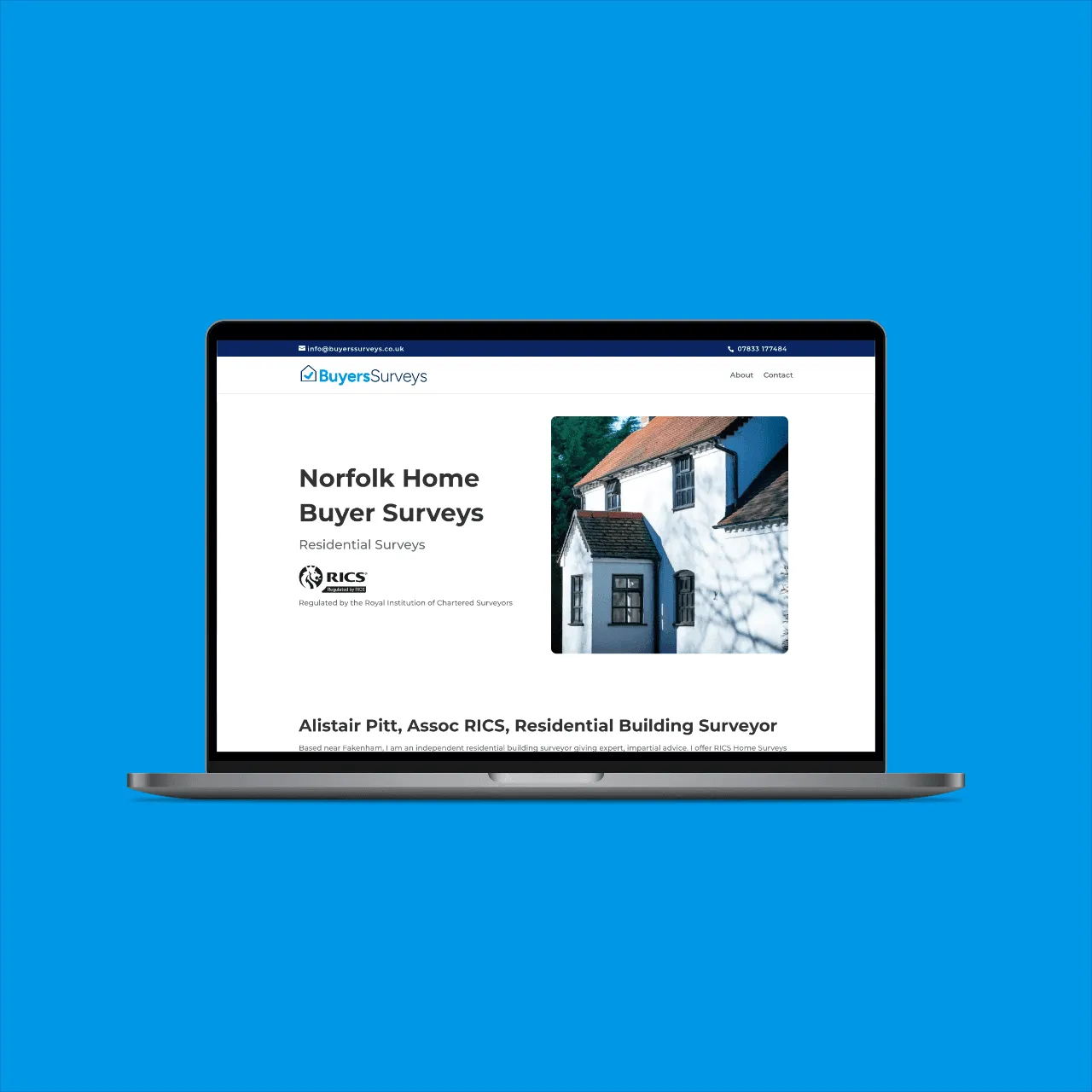
Norfolk Home Buyer Surveys
This project involved developing a robust and user-friendly website for the national surveying firm, Buyers Surveys Ltd. The key goal was to create a seaml
What we built
WordPress Web Design · Managed WordPress Hosting
You shouldn't have to think about the code behind your website, only whether it works. We build on WordPress with Divi, or on Astro and Next.js with Payload CMS, whichever fits the job, with security and performance part of the build rather than added afterwards, and every part of the work done here. We're a small web development studio in north Norfolk, a short drive from Norwich, working with businesses there and right across the UK.
Built clean
Real code, a short and deliberate plugin list, and a structure that still makes sense years on.
Fast by default
Performance and security are part of the build, not a plugin bolted on at the end.
Yours to edit
Change your own content when you want to, and call us when you would rather not.
What we build
Which build fits depends on who'll be editing the site and what it has to do. Three paths, all built here, and the initial conversation settles which one.
The platform most people already know. Built with Divi and a custom child theme, with custom plugins where the project needs them. For businesses that want to keep adding pages and features themselves, with the breadth of the WordPress ecosystem behind them.
Static and server-rendered sites on Astro or Next.js, with content in Payload CMS. Static first, with interactive islands where a section needs them. Faster, harder to attack, lighter on hosting, and less to maintain.
For projects that go beyond a website: web applications, bespoke integrations, internal tools, or builds that no off-the-shelf platform supports. Built on whichever foundation suits the brief.
Specialist work
Take an existing WordPress site and rebuild it on Astro: same content, same design or a refreshed one, on infrastructure that's faster and far harder to attack. Every old URL redirected, search rankings kept, nothing lost on the way.
The connecting work that makes a website part of how the business runs: payment gateways, booking systems, CRMs, email marketing, accounting software. Data moves between them without you keeping two systems in step by hand.
For sites stuck in the past: Dreamweaver, FrontPage, hand-coded HTML, or a platform that was abandoned years ago. We recover the content, from web archives if the original is gone, and rebuild it on a current, maintainable stack.
Choosing the right stack
WordPress with Divi suits businesses that want to add pages and features themselves, with a large plugin ecosystem to extend the site over time. The trade is more to keep updated, and a site that needs looking after.
Astro or Next.js with Payload CMS suits businesses that put speed, security, and low maintenance first, and want an editor that shows only what their site needs. The trade is that structural changes come back to us. Our recent work is split fairly evenly between the two, and the initial conversation settles which fits.
What's included
Every build includes everything below, whichever stack it's on, inside the fixed quote.
before any build work begins; the number we agree is the number you pay
from the signed-off design, every template built for it
checked on current browsers, phones, and tablets
WCAG 2.1 AA basics by default: contrast, keyboard focus, alt text, readable type
for forms, cookies, and data handling
image handling, caching, and Core Web Vitals tuning
meta tags, sitemap, schema, clean URLs, and structure AI search agents can read
and secure hosting setup
on managing your site
for the small adjustments that always come up
included in the project; the Host pillar has the details
throughout the project and for as long as you're a client
Every build meets these, whichever stack it's on. The platform changes to suit the project; the standards underneath don't.
HOW A BUILD UNFOLDS
The build phase is where the signed-off design becomes a working website. It's the longest phase of a typical project, and where most of the technical decisions get made.
See the full processBEFORE WE START
A proper chat about what the site needs to do: the functionality, the integrations, and the platform (WordPress with Divi, modern JS with Payload, or something more custom). If you've already got a design, bring it; if you need one, we cover that too.
Free · 30 to 60 minutes
SETTING UP
Before page-by-page work begins, we set up the technical foundations: the chosen platform configured, the development environment, the component library or theme structure, performance baselines, and the integrations ready to receive the build. Invisible from the outside, and what makes the rest of the build go cleanly.
Around a week · Decisions as needed
WHERE THE SITE GETS MADE
The full site gets built out, page by page, feature by feature, integration by integration. You'll see it come together as we go, not in a dramatic reveal at the end. We share progress through staging links and quick check-ins, and we flag anything that needs a decision from you the moment it comes up.
For WordPress builds, the design becomes a custom Divi child theme tuned specifically for your site. For modern JS builds, the design becomes Astro or Next.js components with Payload as the CMS. The platform shapes the build, the principles don't change.
Typically 3 to 6 weeks · Respond, review progress
GETTING IT RIGHT
Before launch, the site comes to you for a full end-to-end review: click through every page, test every form, check every link. We do the same from our side: cross-browser checks, mobile breakpoints, performance audits, accessibility basics, broken-link scans, form submission tests. Anything caught gets fixed before the site goes live.
A few days to a week · Your review
HANDOFF
Once everything's ready, the Launch handles hosting configuration, DNS, redirects, analytics, SEO settings, and going live. Then the hosting and aftercare take over, with a full year of managed hosting included as part of the project.
Recent work
This project involved developing a robust and user-friendly website for the national surveying firm, Buyers Surveys Ltd. The key goal was to create a seaml
What we built
WordPress Web Design · Managed WordPress Hosting
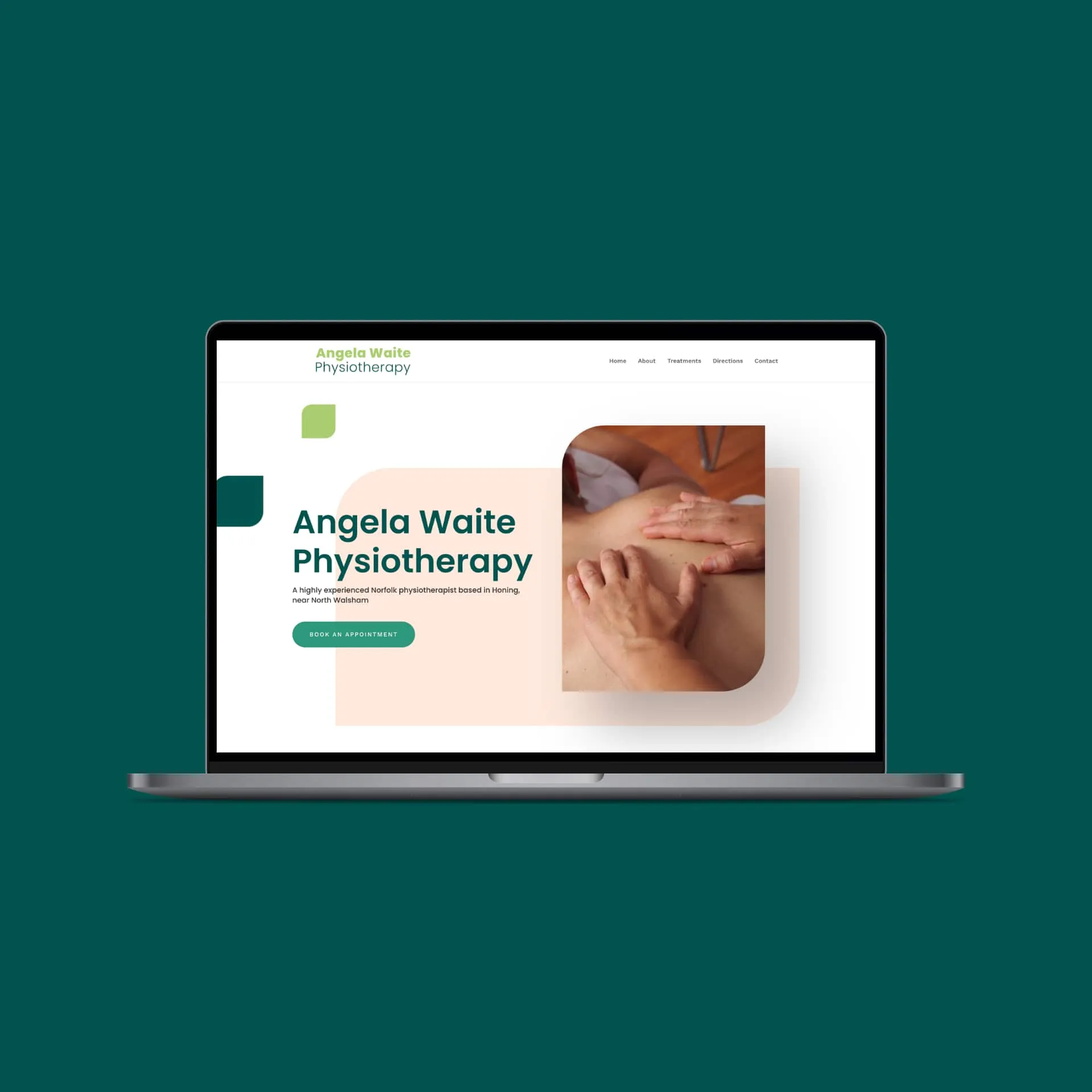
We were asked to design a new website for Angela Waite Physiotherapy. We crafted a bespoke single-page WordPress website that communicated both the service
“I needed help in updating an old and cumbersome website. … I am very pleased with the results and very happy to recommend Brainweb to anyone looking for help with website design and hosting.”
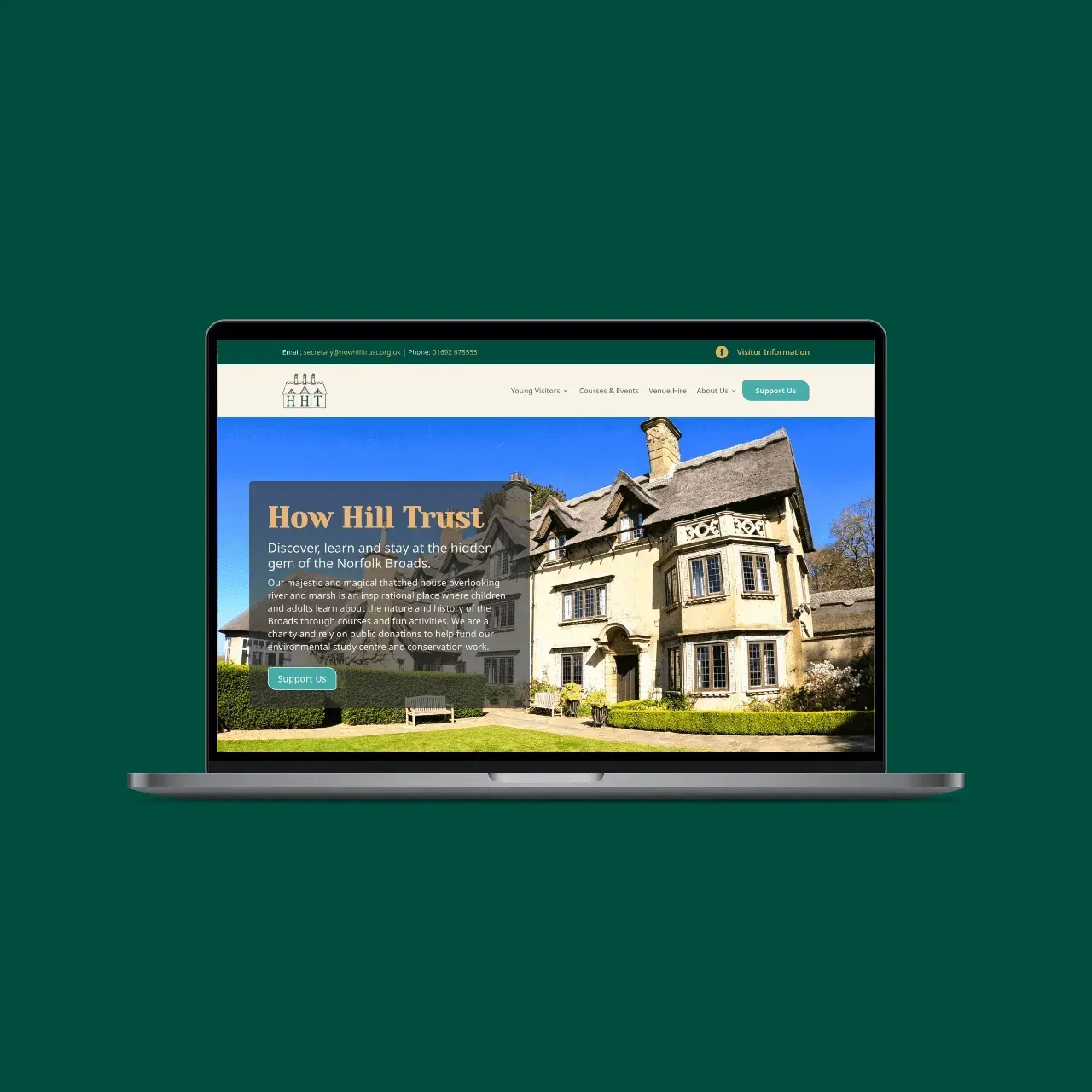
A complete website for a Norfolk Broads education charity, built around several very different audiences so each one finds its own clear way in.
What we built
WordPress Web Design
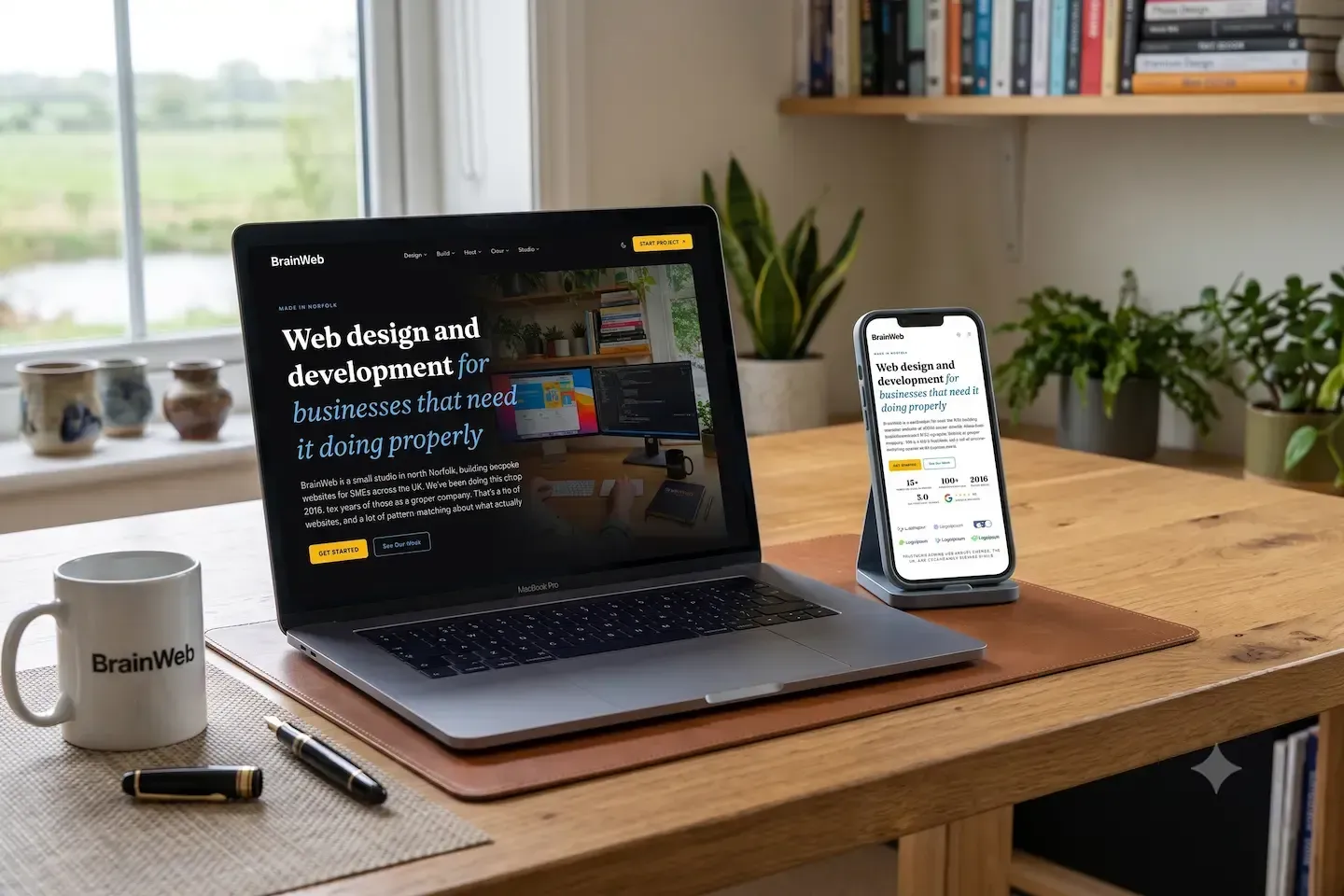
We rebuilt our own site as a WordPress-to-Astro conversion, the same service we sell, built to the same standards we ship to clients, so the site is the proof rather than the claim.
What we built
Web Design · Web Development · Website Hosting · Content Creation
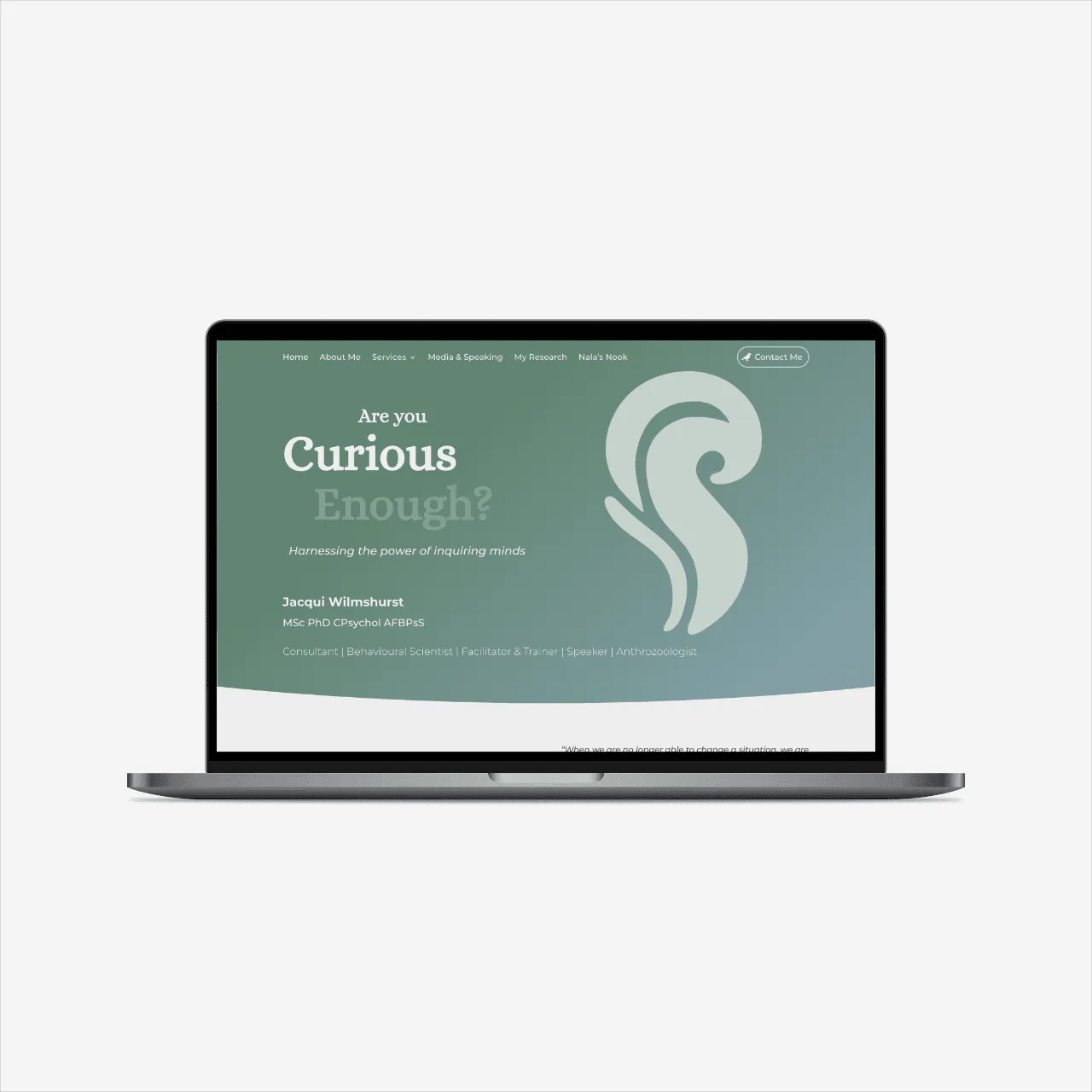
This project involved the complete WordPress design and development for Dr. Jacqui Wilmshurst, an accomplished psychologist with a rich and varied backgrou
“I've had three websites designed by Ric now, and there are multiple reasons I keep going back. … And, most importantly, I've loved the end product every time.”
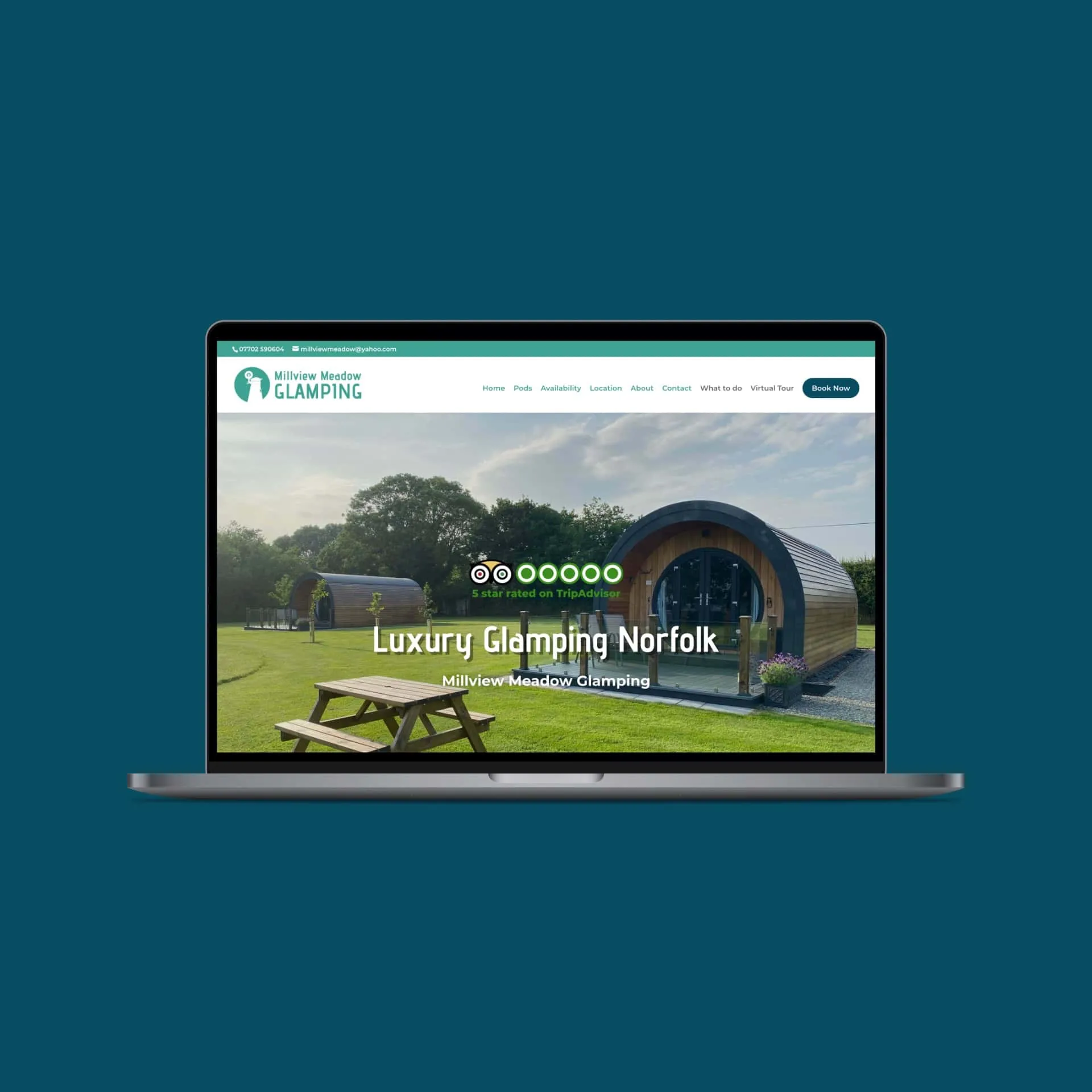
Located charmingly beside the Norfolk Broads in Runham near Great Yarmouth, Millview Meadow Glamping desired a website overhaul that truly mirrored its ser
“We have been working with Ric since we first launched our glamping business in 2019. … I would definitely recommend Ric, his work is professional and he has helped us greatly.”
FAQ
If your question isn't here, ask. You'll get an answer from the person who'd be doing the build.
It depends on how you want to live with the site. WordPress with Divi suits you if you want to add pages and features yourself, and want the breadth of the WordPress plugin ecosystem to draw on. A modern JS framework (Astro or Next.js) suits you if speed, security, and low maintenance are the priorities and you want a clean, focused editor. Both are good. They're good for different reasons, and the discovery call works out which fits your project. Neither is the trendy choice or the safe choice; they're two honest answers to different needs.
Yes. For most e-commerce we build on WordPress with WooCommerce: it's mature, well-understood, and handles real catalogues, payments, UK tax, and shipping properly. A small number of products can also be handled on a modern build. The discovery call works out which suits the size and ambition of your shop.
Yes. Modernising legacy sites is exactly what our Website Recovery service does: sites built in Dreamweaver, FrontPage, hand-coded HTML, or on platforms no longer supported. We can also recover sites that have been lost entirely, reconstructing them from web archives where the original files are gone. Every recovery starts with an assessment of what can realistically be brought back, before any quote.
Yes, because performance is part of the build rather than an afterthought. We optimise images, keep the code lean, configure caching properly, and tune for Core Web Vitals. Modern JS framework sites are fast by default, since pages are served as static files. Well-built WordPress sites are fast too; they just need proper hosting and caching to stay that way as they grow.
Yes, to a degree that depends on the build. WordPress with Divi gives you the most hands-on control: you can edit pages, add sections, and change layouts yourself. A modern JS build with Payload CMS gives you clean control of content (text, images, posts, new entries) while the layout stays as designed. Every build comes with a short training session so you can confidently do the things you'll want to do.
It depends on the platform and the scope. As a guide: single-page sites from £350, standard WordPress sites from £550, custom WordPress from £750, modern JS framework sites from £600, WordPress e-commerce from £1,000, and web apps from £2,000. Conversions and recoveries are quoted after an assessment, since no two start from the same place. Every project gets a fixed written quote before any work begins, and the figure agreed is the figure invoiced.
Most full projects run 8 to 12 weeks from first conversation to launch, with the build phase itself typically 3 to 6 weeks of that. Simpler sites are quicker; larger e-commerce or integration-heavy builds take longer. You'll get a realistic timeline in the quote.
Security is built into every BrainWeb build: SSL, secure configuration, hardening appropriate to the platform, and a build done cleanly so there's less to exploit in the first place. Modern JS framework sites have a naturally small attack surface, with no live database or plugin code exposed. WordPress sites are hardened during the build and then kept safe by proper managed hosting, with active updates, monitoring, and backups.
The first conversation costs nothing and commits you to nothing. Tell us what the site needs to do and what you've got to start from, a finished design or a blank page, and we'll come back with a view on what the build would involve and what it would cost.