Convert WordPress to Astro, and keep what you've built

If your WordPress site works but feels heavier every year, conversion rebuilds it on a modern JS framework: Astro or Next.js, with content in Payload CMS. The same content, the same design or a refresh if you want one, on infrastructure that's faster, more secure, and lighter to look after. Your search ranking comes with you. We're a small studio in north Norfolk, a short drive from Norwich, converting WordPress sites for businesses there and across the UK, including our own. Quoted on the site being converted, fixed in writing before the move begins.

What we mean by it

The same website, on better foundations.

A WordPress site does a lot of work every time someone visits: it wakes up a database, runs a stack of PHP, assembles the page, and only then sends it to the browser. Plugins add more to do. It works, but it's a lot of moving parts, and every one of them is something that can slow down, break, or be broken into.

Conversion rebuilds that same site a different way. The pages are built once, ahead of time, and served as plain static files from a fast global network. The content moves into Payload CMS, a clean editor with only the fields your site needs.

What goes

The database.

The plugin sprawl.

Constant security updates.

Most things that make WordPress slow or vulnerable.

What stays

Your content.

Your design (refreshed if you'd like).

The search ranking you've built up.

The case for it

Four reasons clients make the move.

Faster, measurably

Pages served as static files from a global network load in a fraction of the time. That's a better experience for visitors, and speed is something search engines reward.

More secure, by architecture

No live database, no PHP runtime, no plugin code parsing input from strangers. The things attackers usually go after a WordPress site through simply aren't there any more. In a year when website security has become a sharper concern, this is the part most clients care about first; the Host page explains what changed and why.

Lighter, and cheaper, to look after

No plugin updates, no core updates, no caching plugins to nurse. The maintenance burden of a WordPress site mostly disappears, and modern static hosting is typically cheaper to run.

Built to last

A modern static site doesn't drift the way a WordPress site does between updates. It stays fast and stays current with far less intervention, which is what makes it a sound investment rather than a thing to redo in three years.

The process

A careful move, with nothing left behind.

The detail varies by project, but a conversion follows a consistent shape.

01. Assess the existing site

We start with a close look at your WordPress site: its pages, its content structure, its plugins, the functionality it relies on, and the shape of its SEO. This tells us what converts cleanly, what needs rethinking, and what the move will take.

02. Agree the design

Most conversions keep the existing design, faithfully rebuilt. Some are a good moment for a refresh. Either is fine, and we'll have agreed which before the build starts, so there are no surprises.

03. Rebuild on a modern framework

The site is rebuilt on Astro or Next.js, assembled from clean components. Your content moves into Payload CMS, with the content types and fields shaped around your site. Where the old site had genuine functionality, we plan for how that's handled on the new stack.

04. Preserve the SEO

This is the part that matters most, and the part done carelessly elsewhere. Every URL is mapped. Where an address stays the same, it stays the same; where it has to change, a permanent redirect points the old one at the new. Metadata, structured data, and sitemaps all carry across.

05. Test, launch, and confirm

The new site is tested thoroughly on a staging environment before launch. After the switch, we keep an eye on search performance and indexing to confirm the move landed cleanly and nothing slipped.

Worth knowing

Conversion suits most sites, but not all.

Conversion is a good move for most WordPress sites, and we'd rather be straight about where it fits than oversell it. It's a strong fit for brochure sites, content and blog-led sites, professional services, hospitality, portfolios, and most WordPress sites that are essentially pages and content.

It needs more thought when a site leans on interactive WordPress functionality: a busy WooCommerce store, a membership system, a complex booking engine, or a forum. None of that rules a conversion out, but the functionality has to be rebuilt or re-provided rather than moved, and sometimes the better call is staying on a well-built, well-hosted WordPress site for now.

The assessment in step one is where this gets settled. We'll tell you plainly whether conversion serves your site, or whether your money is better spent elsewhere.

Which service is which

A quick steer between two similar-sounding services.

A rough test: if your WordPress site works and you want it faster and safer, that's a conversion. If your site is dated, unmaintainable, or partly missing, that's a recovery.

Conversion

For a WordPress site that works and is reasonably current. Nothing is broken. You're moving it onto modern foundations by choice, for speed and security.

Website Recovery

For a site that is old, broken, or partly lost. The work is rescue and reconstruction, not a re-platforming by choice.

What's included

What's in every conversion project.

No surprise extras. Every conversion includes everything below as standard.

  • An assessment of the existing WordPress site before any quote
  • A fixed written quote, based on what the assessment finds
  • A faithful rebuild of your design, or an agreed refresh
  • A rebuild on Astro or Next.js, with content in Payload CMS
  • Full URL mapping, with redirects for every address that changes
  • SEO continuity: metadata, structured data, and sitemaps carried across
  • Mobile-responsive build, tested across modern browsers and devices
  • Accessibility carried through the rebuild, with WCAG 2.1 AA basics handled by default
  • Post-launch monitoring of search performance and indexing
  • A short training session on the Payload editor at handover
  • One year of Firebase hosting; the Host page has the detail
  • Direct access to the maker, throughout the project and for as long as you're a client

Recent Work

A few recent conversion projects.

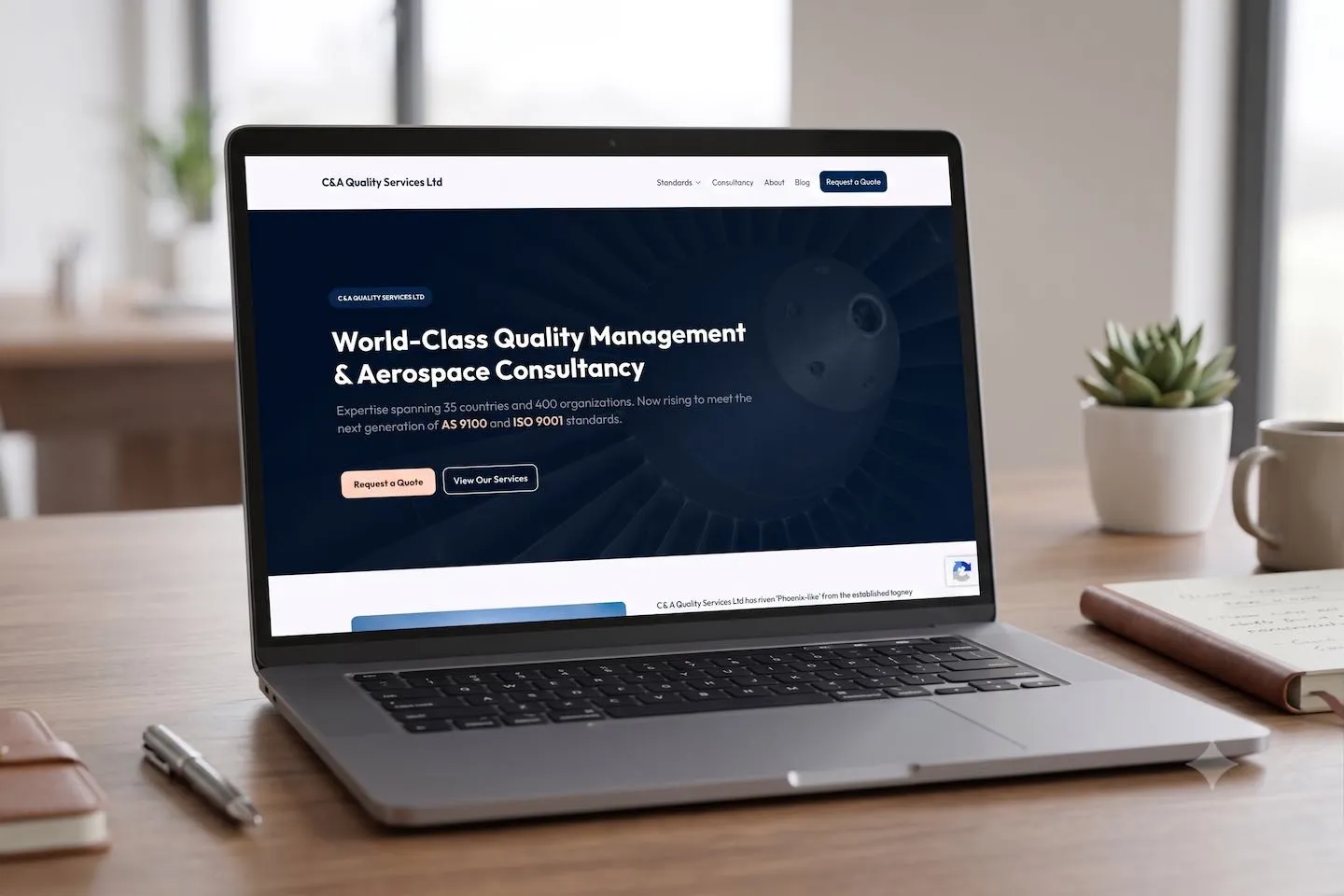
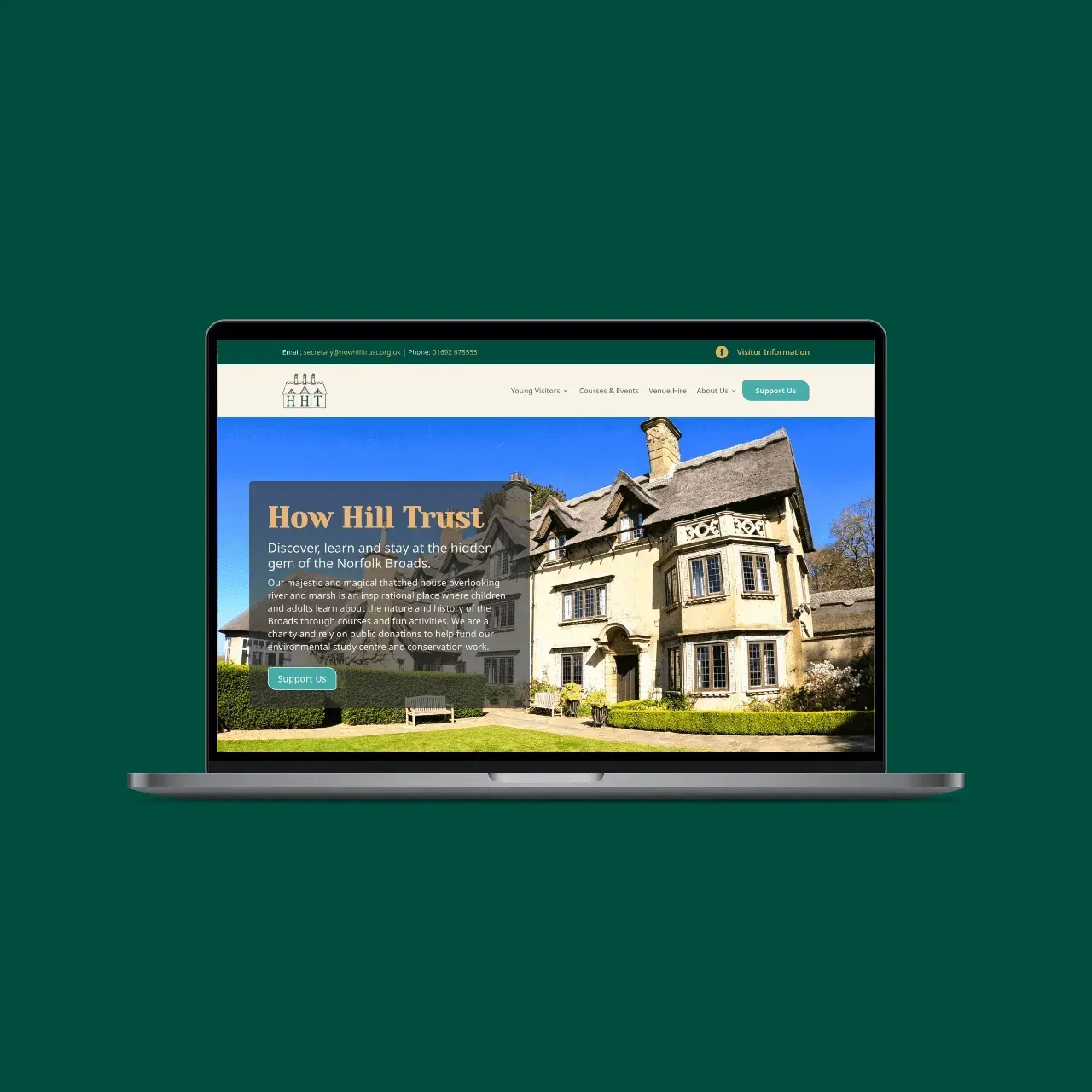
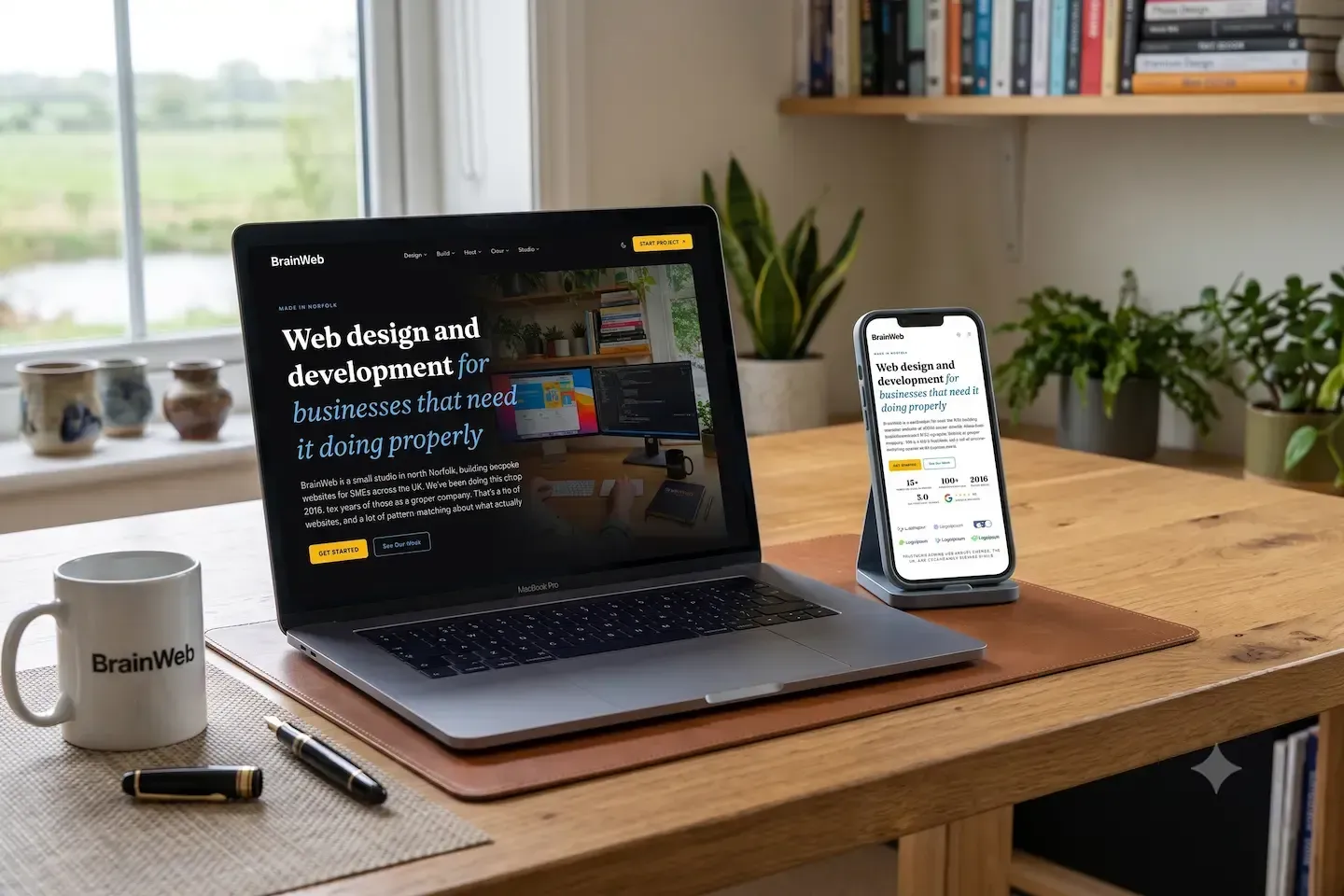
Conversions from the studio, including this site: our own WordPress build, moved to Astro the same way we move clients'.
View all build projects

What it costs

Quoted on the site, after the assessment

A conversion is priced on the site being converted, because a ten-page brochure site and a hundred-page content site with three integrations are very different jobs. The number of pages, the content structure, and any functionality that needs rebuilding all shape the figure. So every conversion is quoted after the assessment, never before.

Once we've looked at your WordPress site and worked out what the move involves, you get a fixed written quote. The figure we agree is the figure that ends up on the invoice. No surprise extras.

The converted site includes its first year of Firebase hosting, and static hosting typically costs less to run year on year than managed WordPress hosting, so the move often lowers the ongoing bill as well; the hosting page has the figures.

Thinking about moving off WordPress?

The first conversation costs nothing and commits you to nothing. Tell us about your WordPress site, what it does and roughly how big it is, and we'll come back with a view on whether conversion is the right move, or whether staying put is, and what either would cost.

Get Started
5.0 on Google · 15+ years at the craft · Smallburgh, Norfolk